Documentation
yarn / npm 安装报错处理
yarn 引擎版本不兼容时的 ignore-engines 绕过、Windows 刷新 DNS 解析缓存、npm 缓存清理与校验。
本页目录
yarn / npm 安装报错处理
忽略引擎版本报错
yarn 安装时,依赖声明的 Node 版本高于本机会直接失败:
error ora@8.0.1: The engine "node" is incompatible with this module. Expected version ">=18". Got "16.16.0"
error Found incompatible module.
让 yarn 忽略引擎检查,再重新安装:
yarn config set ignore-engines true
# yarn config v1.22.22
# success Set "ignore-engines" to "true".
yarn install
这是绕过而不是修复。依赖真用到了高版本 API 仍会在运行时报错,长期方案是升级 Node。
刷新 DNS 缓存
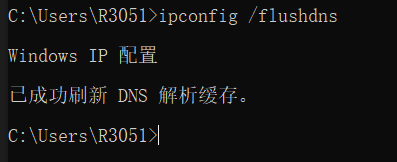
网络类安装失败,先刷新 Windows 的 DNS 解析缓存,不行再重启电脑:
ipconfig /flushdns
清理 npm 缓存
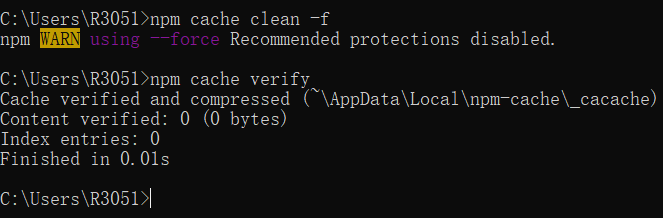
npm cache clean --force
npm cache verify